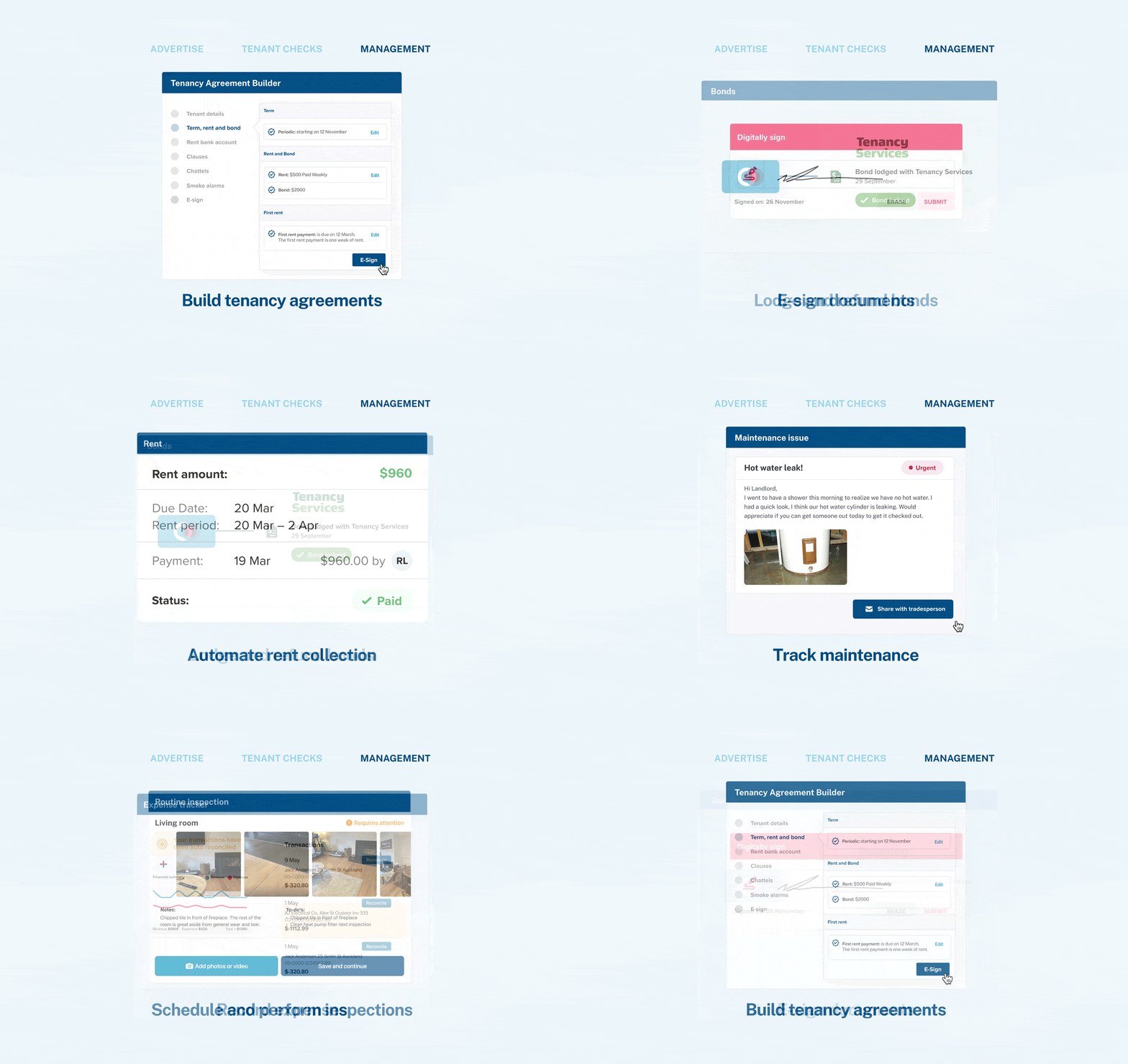

Some notifications are necessary for the tenancy management system to work efficiently and are hardcoded into myRent. Those notices include announcements that a new tenancy agreement was created and requires review and signature, a notice to remedy was issued, a new property inspection was scheduled, and a message from the tenant was received. Such notices cannot be disabled.
Step 1: Click on your initials at the top right of the screen

Step 2: Go to My details

Step 3: Go to Notification preferences

Step 4: Uncheck the box for each notification you no longer want to receive and click Save.

A link to disable these notifications is also included in each email notification.
You may want to disable rent tracking if you're manually tracking rent yourself, or if you would like to stop receiving rent notifications for a specific tenancy in your portfolio. Please see the guide to disable rent tracking here.